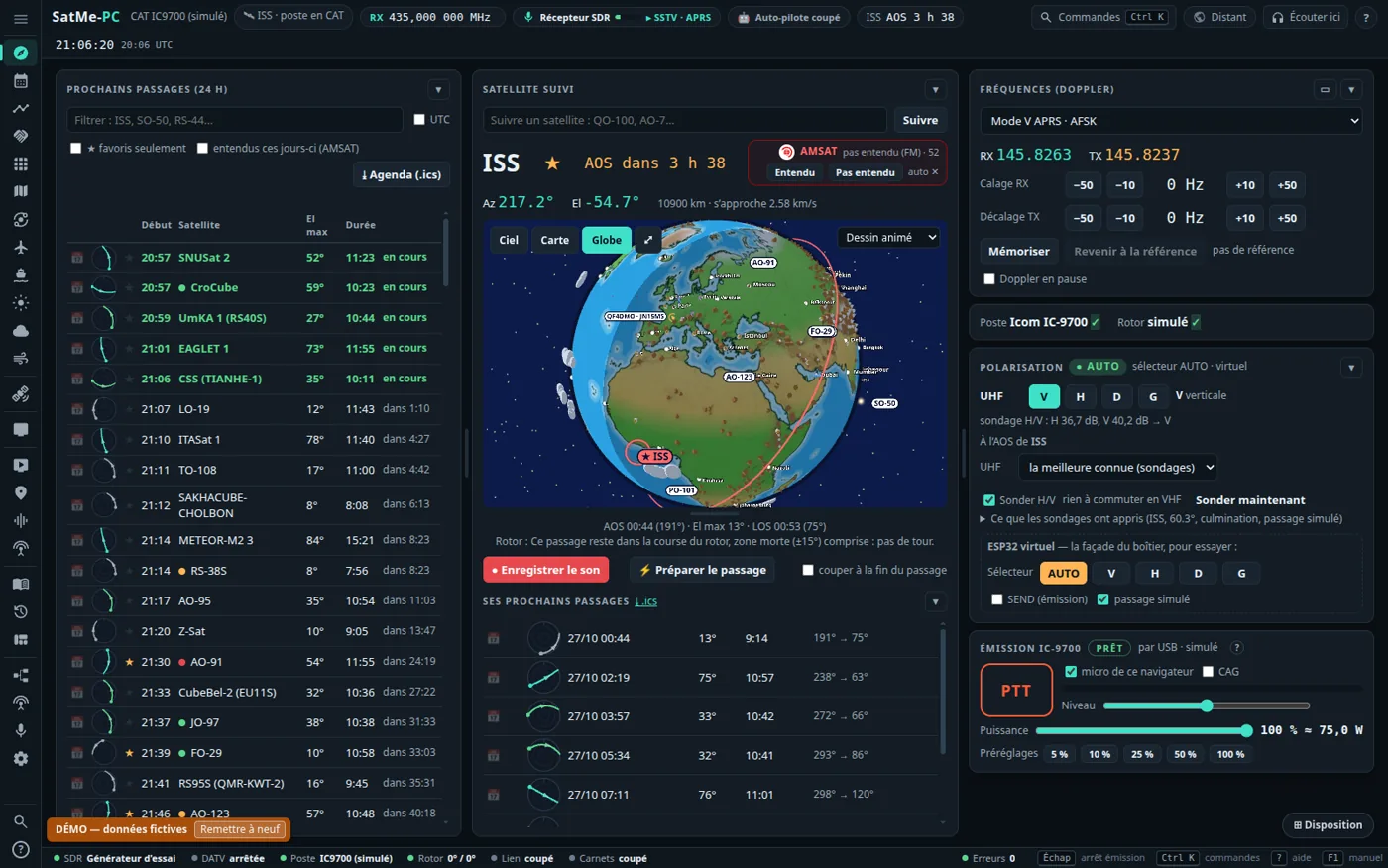
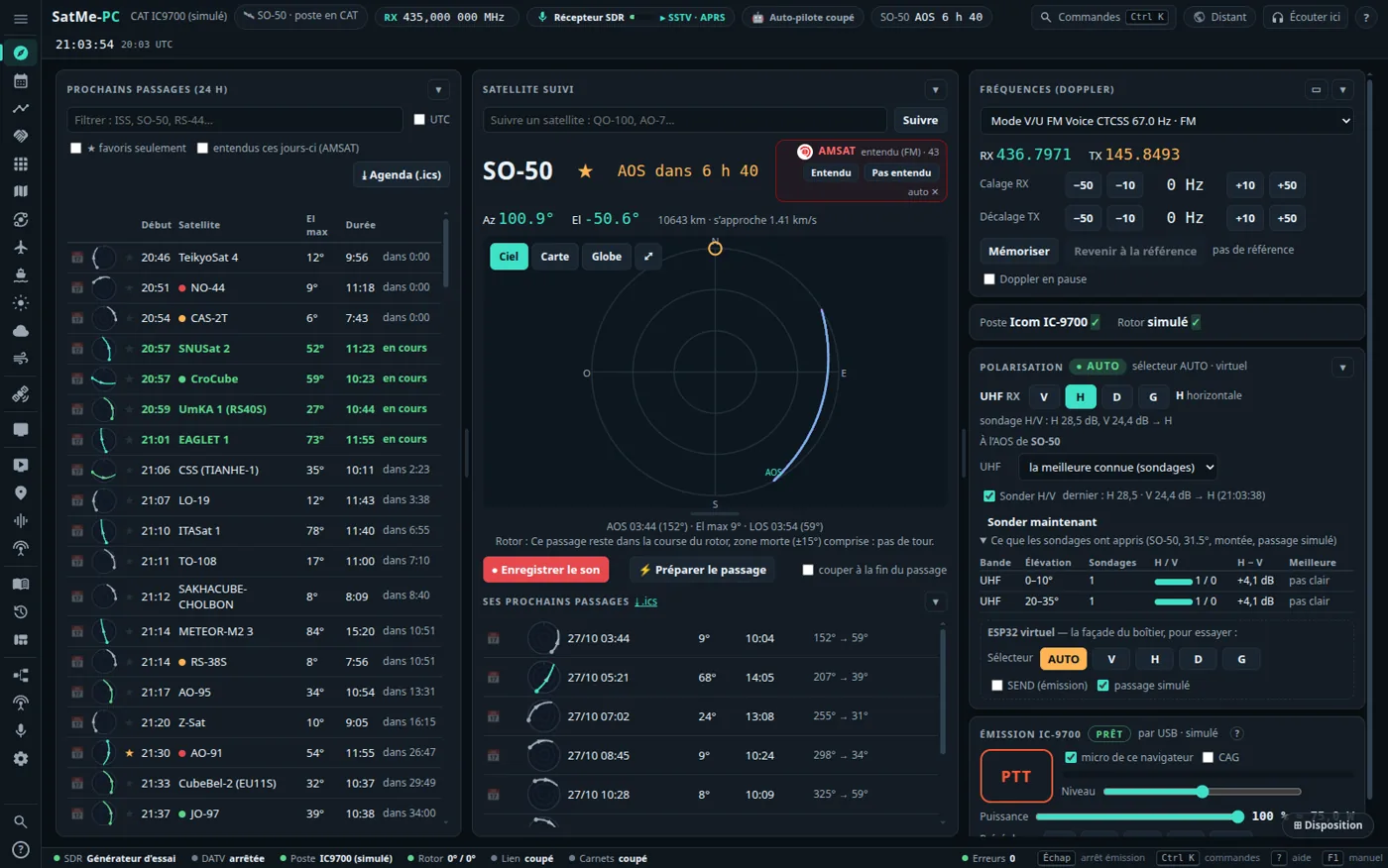
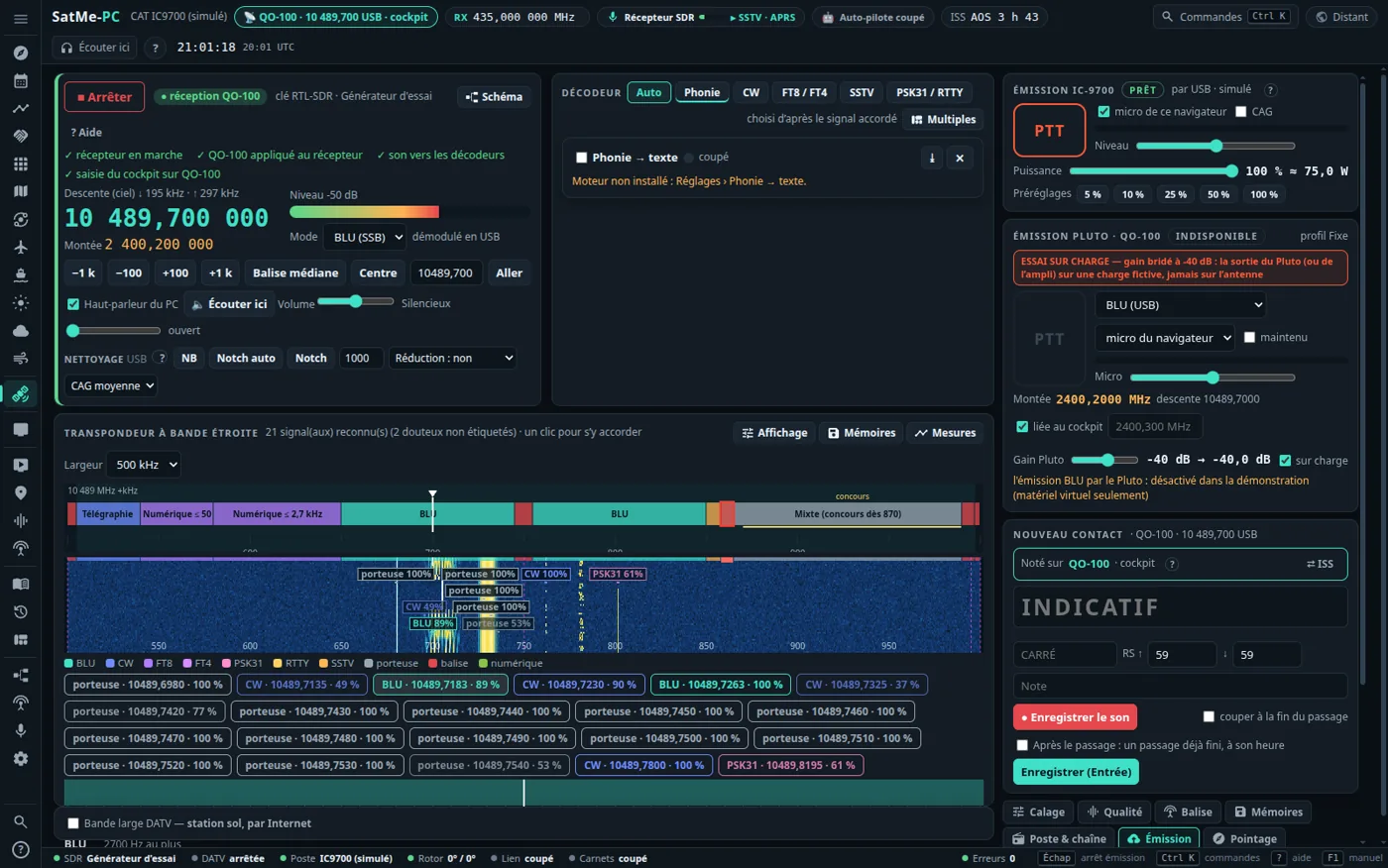
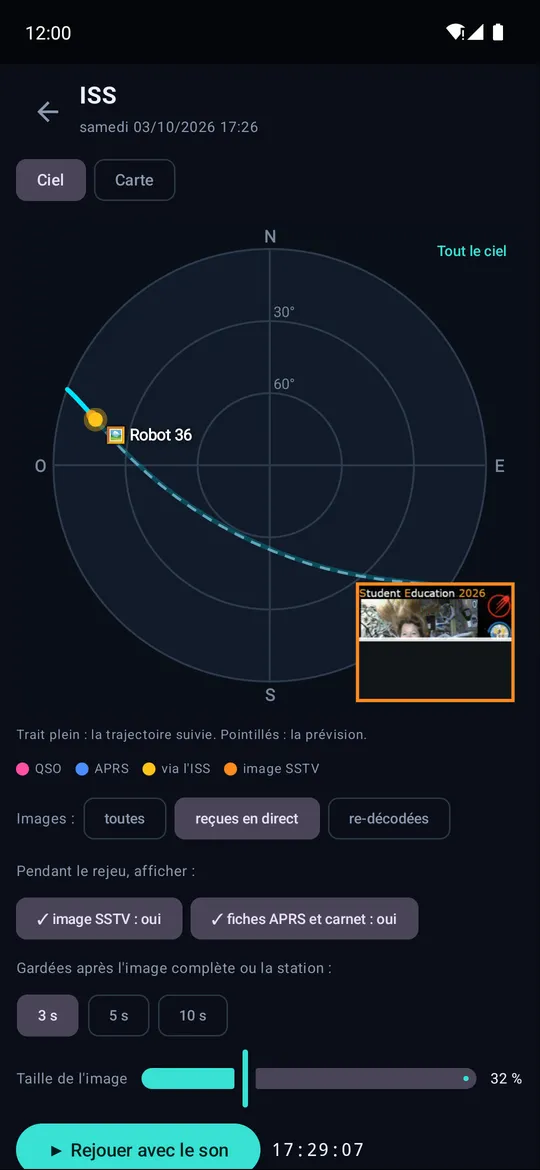
- No more transmit locks on SatMe-PC — the « Unlock everything » switch, the word ARMER (rig, CW, EME, APRS KISS), the « Unlock automatic transmitting » box, unlocking at start-up and the inactivity watch are gone. A click sends one message; to work automatically (FT8/FT4, APRS) just tick Émission automatique. What stays: STOP/Esc, the page that must stay open, the simulation (the real way is chosen by a click), the power caps, bands, timers, QO-100 beacons and LEILA, and the settings' callsign.
- FT4/FT8: « Répondre » follows the message received — the answer proposed, shown and sent depends on what the station sent (CQ → call, call → measured report, report → R-report, R-report → RR73, RR73 → 73; a 73 closes with nothing sent); the answered station becomes the QSO's partner and, with Émission automatique, the rest chains without another click (« Enchaîner les messages » is ticked by default).
- FT4/FT8: one click, everything runs — a single box, Dérouler automatiquement (ticked by default; other settings in folded « Options avancées »). I click a station: the right message goes, then report, R-report, RR73, 73 and the log note follow by themselves; someone calls me: the answer goes in the next slot (best of the pile first, one QSO at a time). Bounded retries, then the contact is closed; STOP pauses it until the next click.
- FT4/FT8: a more compact tab — smaller type and margins, redundant help removed: 18 station lines visible instead of 8 on a 1400×900 screen, with no page scroll.
- FT4/FT8: contacts highlighted and conversations — callsigns already in the log are underlined in green, my lines and the partner's highlighted; a Par conversations view (grouped A ⇄ B, mine on top, under way / finished, « Mes QSO seulement »).
- FT4/FT8: always-visible command bar — CQ, STOP, Dérouler automatiquement, the state and the next message stay stuck to the foot of the tab (never off screen, phone included); the LOS is a bigger badge coloured by the time left (green > 5 min, orange < 5 min, red < 1 min), the most urgent first in « Qui appeler maintenant ».
- FT4/FT8: automatic transmit-frequency alignment (ticked by default, FT4/FT8 tab › Réglages son) — on a satellite, SatMe compares the column where my own message comes back on the downlink with the one it left from and shifts the tone sent (never the frequency you chose) so TX and RX fall in the same waterfall column (green RX mark). At least 3 coherent measures over 2 slots, corrected in steps, ±200 Hz at most, reset when the satellite changes; a « 0 Hz » button.
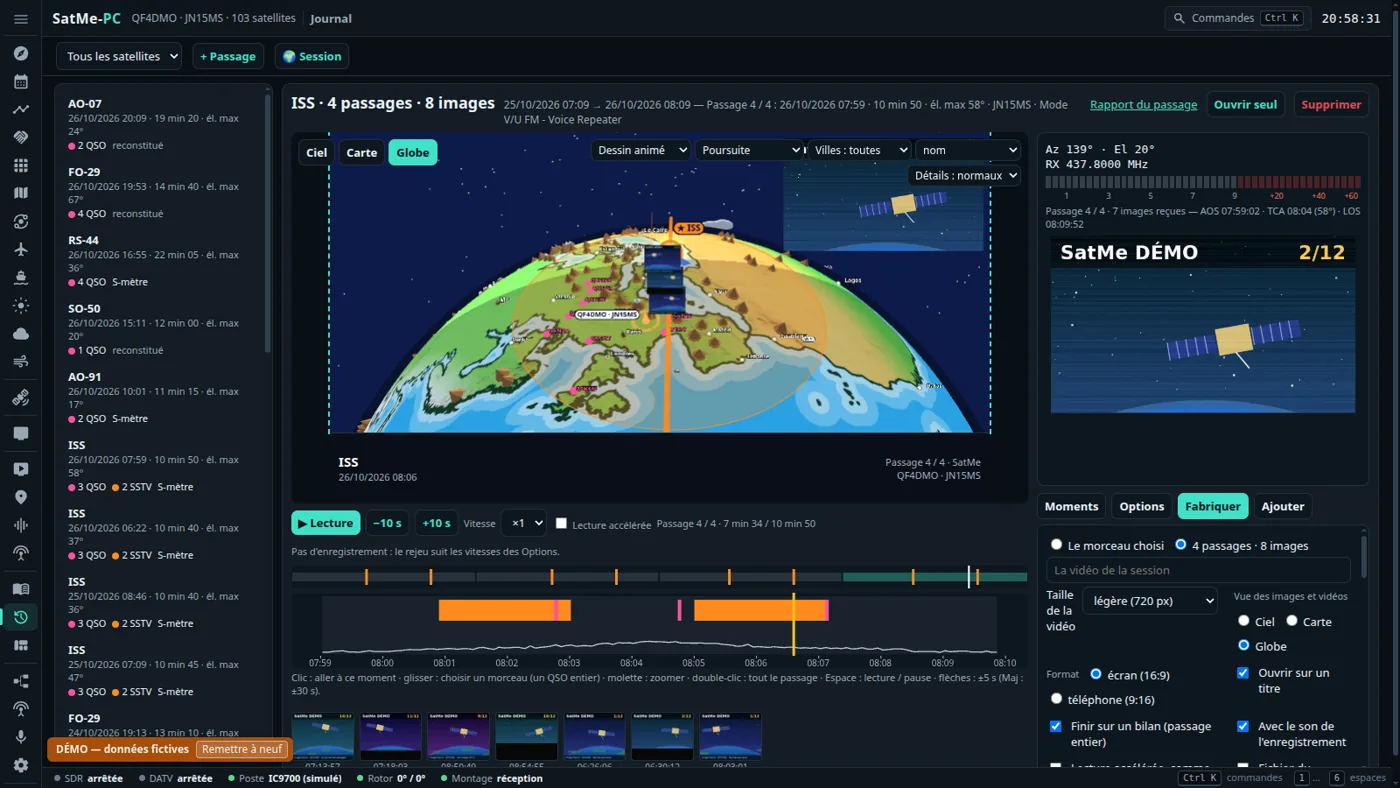
- Journal: a photo or a logo over the film — Journal › Options › Photo or logo over the film: choose a picture (PNG with transparency, JPEG, GIF…), put it with the mouse on the preview, set its size and opacity; it is laid at the same place on every frame of the videos, GIFs and pictures, title and closing cards included. The picture stays on the PC.
- Journal: subtitles of the audio heard — Journal › Options › Subtitles: the « Phonie → texte » engine (offline, nothing is sent) writes down once what the pass's recordings say, line by line and at the recording's own time, with the translation if ticked; the film shows them (words heard, translation or both) and plays each spoken line in real time so that it can be read. The engine must be installed (Settings › Phonie → texte).
- Reminder: Skip the silences (Journal › Options) already plays what is heard in real time and runs the rest fast, in the preview and in the video.
SatMe
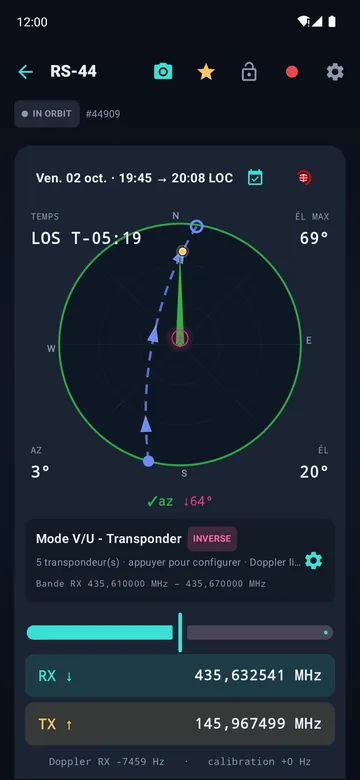
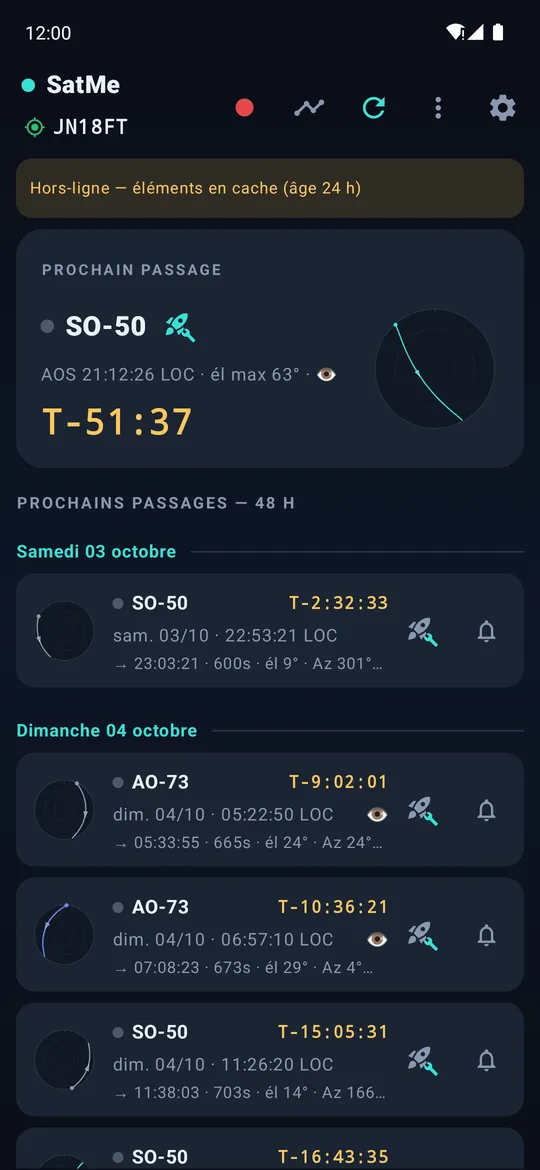
No bolso para operar em qualquer lado: próximas passagens, bússola e céu, frequências corrigidas do Doppler, registo.